Cross-stitch pattern maker for iPhone & iPad
Turn a photo you love into a pattern you can stitch.
Skeina matches your photo to real DMC thread colors, builds a readable symbol chart, and tells you how much floss to buy.
Free to download · One PDF export included
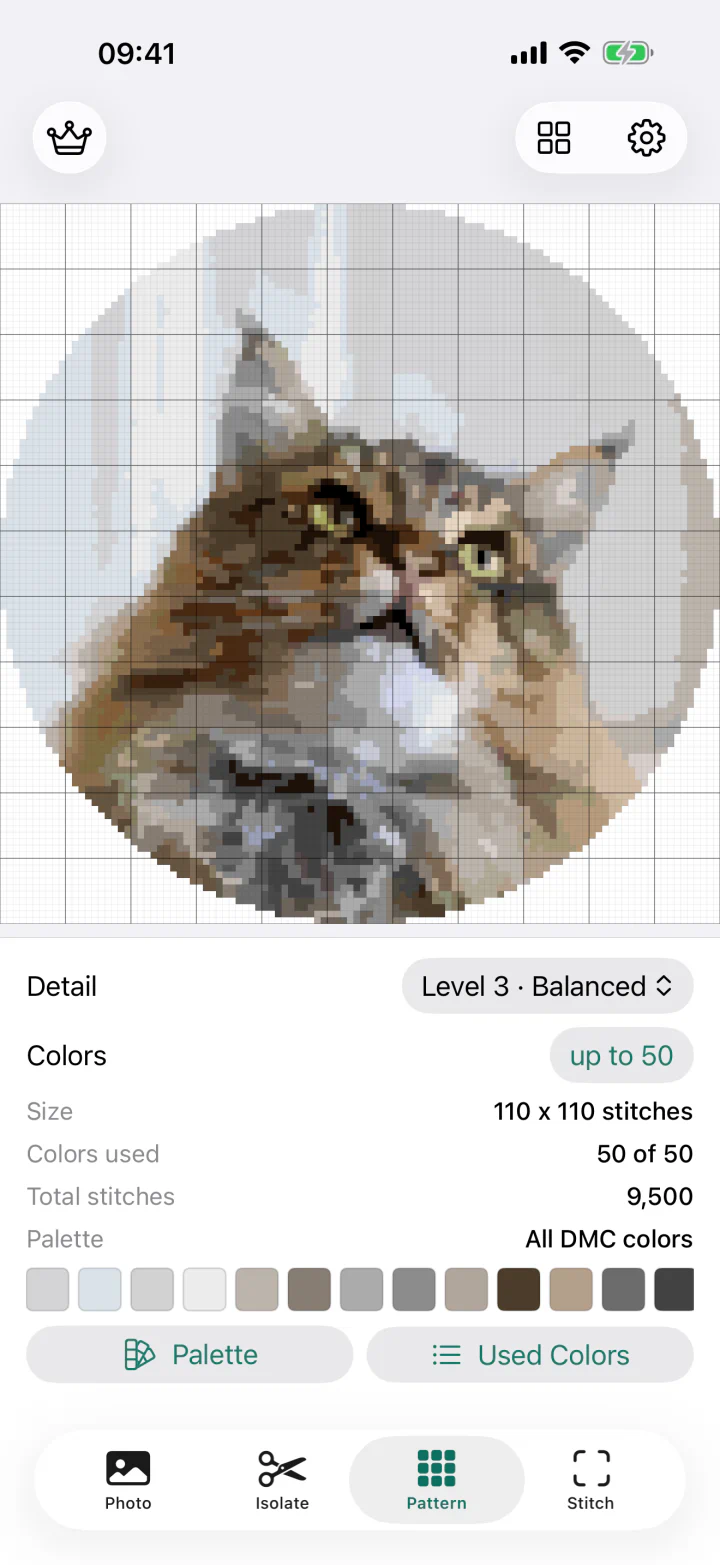
How Skeina works
From photo to first stitch.
-
Choose your photo
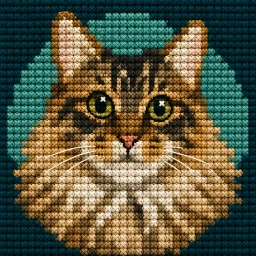
Crop to a rectangle, square, or circle. Remove the background if you want to stitch just the subject.

Keep the subject. Let the fabric show. -
Make it fit your fabric
Set the finished size in centimeters or inches and choose your fabric count. See the stitch dimensions before you begin.
Choose a pattern size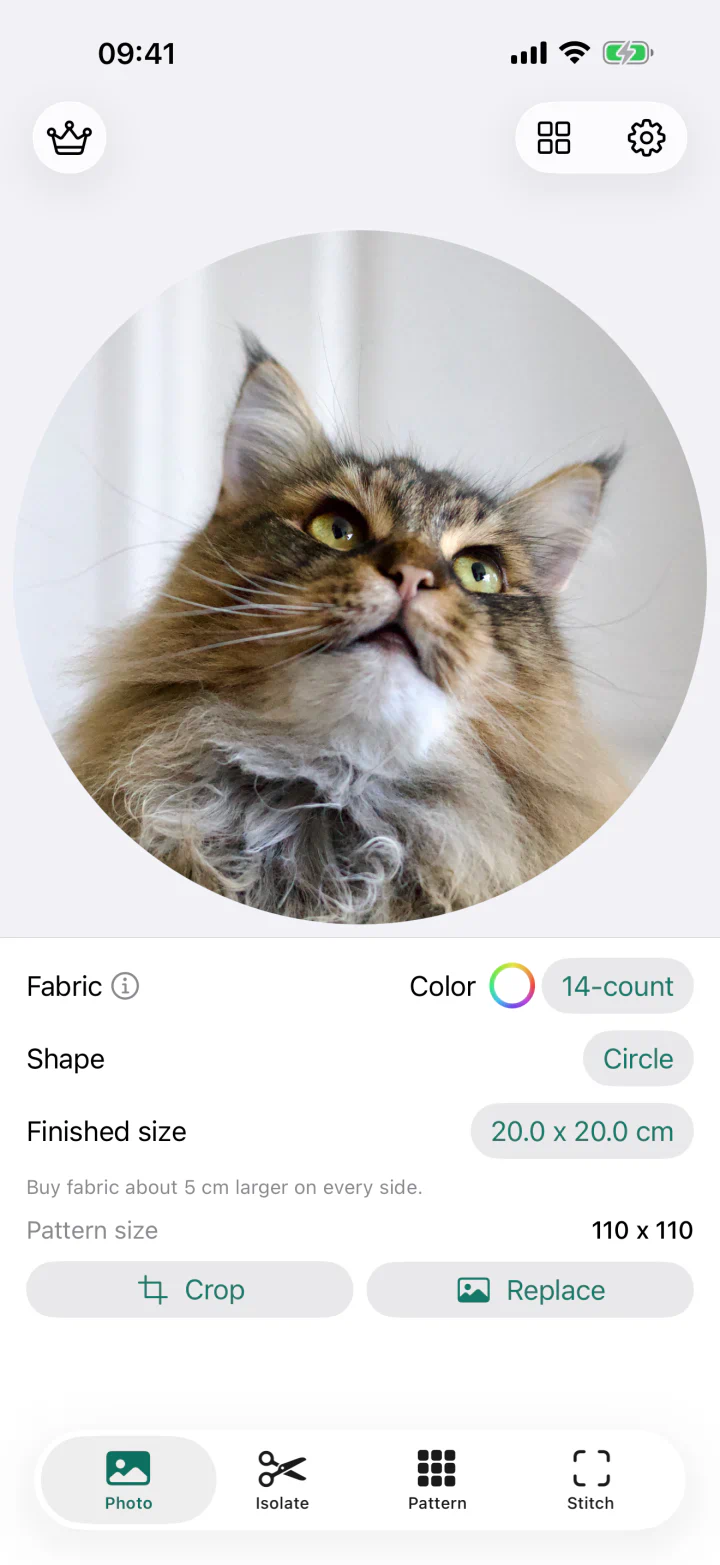
-
Pick your DMC colors
Match your photo or choose a palette. Get DMC numbers, symbols, and estimated skein quantities for your shopping list.
Understand thread estimates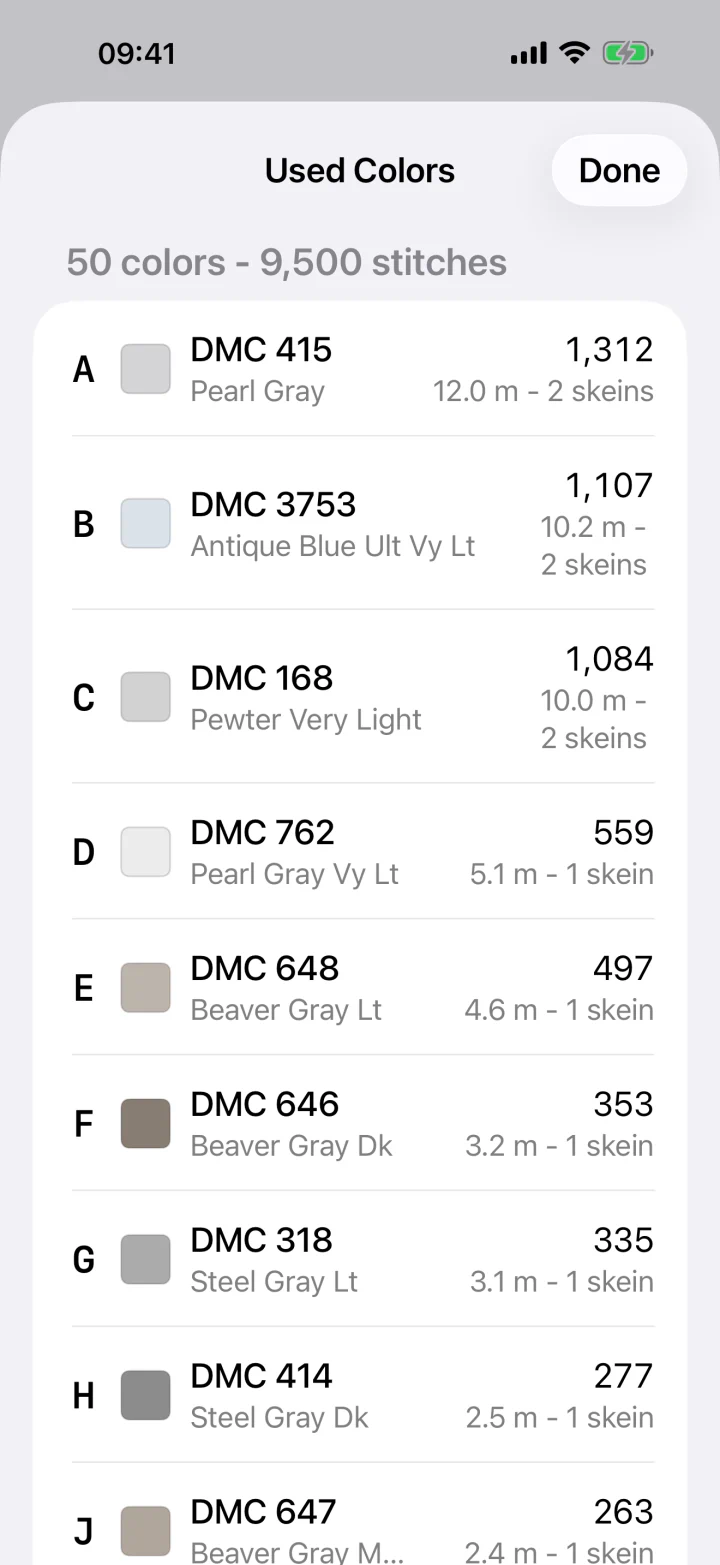
-
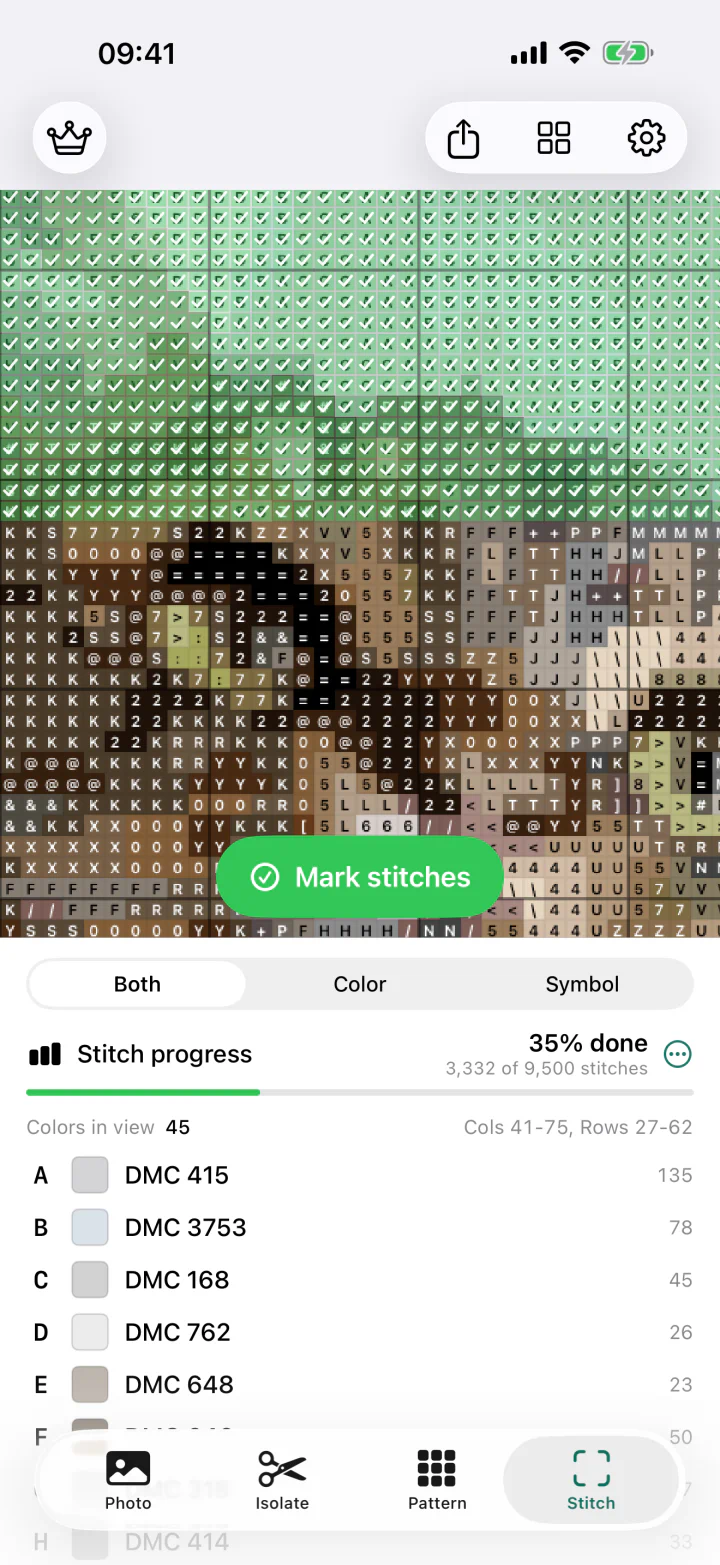
Start stitching
Zoom into the chart and mark completed stitches. Your progress is saved for next time.
Prefer paper? Export an A4 or US Letter PDF with symbols and a thread legend.
Cross-stitch guides
A clearer start for your next pattern.
How to turn a photo into a cross-stitch pattern
Choose a suitable photo, set the size and palette, then check the chart before your first stitch.
Read the guide → PlanningHow to choose pattern size and Aida count
Understand how fabric count and finished dimensions determine the number of stitches.
Read the guide → MaterialsDMC colors and skein estimates, explained
Turn a digital palette into a practical thread shopping list without overcomplicating it.
Read the guide →Common questions
Before you begin.
Can Skeina turn any photo into a cross-stitch pattern?
Yes. Import a photo, crop it, choose the finished size, fabric count, detail level, and color limit, and Skeina generates a color and symbol chart.
Does Skeina use real DMC thread colors?
Yes. Pattern colors are matched to DMC stranded cotton numbers. The legend includes color names, stitch counts, estimated thread length, and skein quantities.
Can I print a pattern from Skeina?
Yes. Export a print-ready A4 or US Letter PDF with a cover, tiled symbol chart, and thread legend. The first PDF export is included.
Can I stitch directly from my phone or iPad?
Yes. Zoom and pan through the chart, see the colors used in the visible area, and mark individual squares as complete.
What pattern shapes can I make?
Use the photo’s original aspect ratio, a square, a circle, or standard portrait and landscape ratios. Background isolation can leave only the main subject stitched.
Your next project is already in your camera roll
Make it stitchable.